
What is IPTV and How Do I Get It?
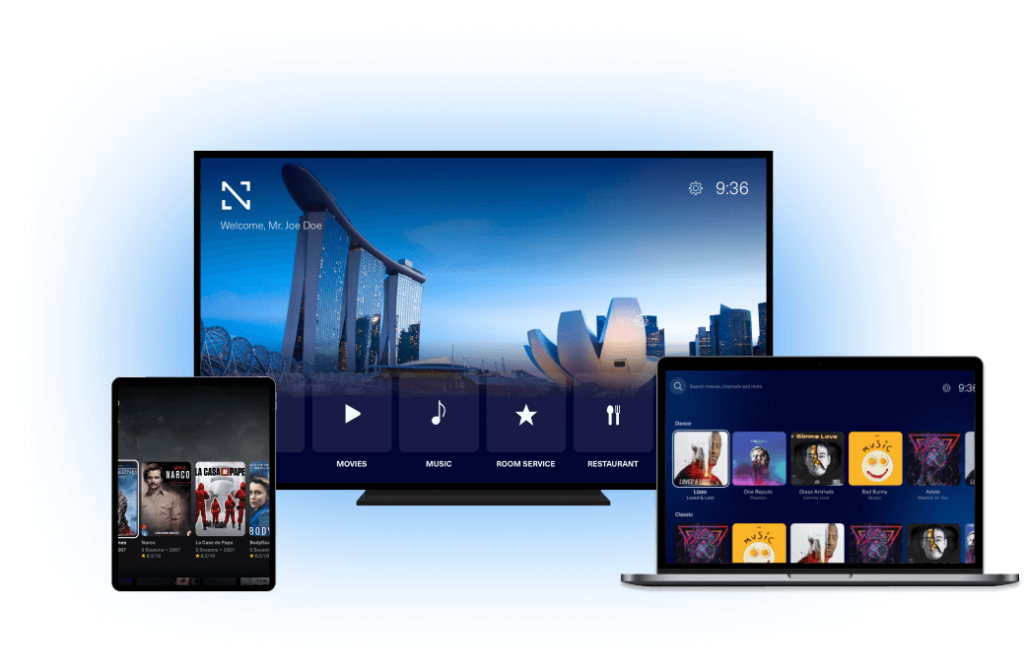
In the age of streaming, more and more people are cutting the cord and looking for flexible, affordable ways to watch TV. That’s where IPTV comes in. But what exactly is IPTV, and how do you get started with it?
Let’s break it down.
So What is IPTV and How Do I Get It?
IPTV stands for Internet Protocol Television. In simple terms, it’s a way to watch television using the internet instead of traditional broadcast methods like satellite or cable.
Rather than receiving content through antennas, satellite dishes, or fiber-optic cables, IPTV delivers TV shows, movies, and live broadcasts through your internet connection. This allows for more flexibility, a wider variety of content, and often, a cheaper alternative to cable TV.
There are three main types of IPTV:
- Live IPTV – Streaming live TV channels (like news, sports, etc.) in real-time.
- Video on Demand (VOD) – Watching movies or shows whenever you want, similar to Netflix or Hulu.
- Time-Shifted IPTV – Catching up on shows you missed, like watching a show that aired yesterday.
Why Choose IPTV?
Here are a few reasons why people are switching to IPTV:
- Wider selection of channels (including international channels)
- On-demand content
- More affordable than traditional cable
- Works on multiple devices – smart TVs, phones, tablets, computers, etc.
- No bulky hardware required
How Do I Get IPTV?
Getting started with IPTV is easier than you might think. Here’s a step-by-step guide:
1. Choose an IPTV Provider
There are many IPTV services out there but the best Provider is 4K LIVE IPTV offer fbetter reliability, more channels, and higher video quality a clear channel list, and reliable customer support, with Free Trial 12 hours.
2. Make Sure You Have a Good Internet Connection
Because IPTV streams content over the internet, you’ll need a stable and fast connection. For HD streaming, aim for at least 10 Mbps; for 4K content, 25 Mbps or higher is ideal.
3. Choose Your Device
You can watch IPTV on:
- Smart TVs (with apps like Smart IPTV or TiviMate)
- Android boxes or Amazon Firestick
- Smartphones or tablets
- PCs or laptops
- Streaming devices like Roku (some support limited IPTV apps)
- MAG
4. Install an IPTV App
Most IPTV services require a separate app to stream content. Some popular IPTV player apps include:
- IPTV Smarters Pro
- IBO Player
- IBO Player Pro
- BOB Player
- TiviMate
- VLC Media Player (for PC)
- GSE Smart IPTV
Once installed, you’ll typically enter a URL or playlist (called an M3U link) provided by your IPTV service.
5. Start Watching!
Once everything is set up, you’re ready to enjoy live TV, movies, sports, and more – all through your internet connection.
What are IPTV channels?
Technically, IPTV channels are IP addresses with dedicated ports provided to a host by middleware. A host can request a video stream from a certain port and IP address. The video stream is then sent to a host as a set of data packets defined by IP protocol, carrying compressed and encoded video, audio, and other auxiliary data like subtitles. The host or client device will receive IP packets with channel data, decode them and display them as a set of frames, play selected audio stream, display subtitles, and so on, just as any TV set would.
List of top 10 world best IPTV channels
Most viewed channels differ from region to region, but some of the most notable are highlighted below:
- MSNBC is A news channel that managed to outperform CNN and Fox News.
- ESPN Home of sports, recognized globally, and keep the high ranks.
- Hallmark North American host of TV shows and movies.
- MTV Good old music industry channel still rocks.
- VH1 Successful reincarnation of MTV, with the aim at an older audience.
- NFL An appreciated provider of football news, live games, and related shows.
- Euronews Most popular news aggregator on European TV screens.
- Al Jazeera News from developing economies is highly appreciated by the traveling population.
- The Weather Channel Who could afford to go outside without knowing if it’s raining or not?
- Discovery Unique episodes about nature, science, and the world keep viewers’ attention pretty well.
Final Thoughts
IPTV is a modern, convenient way to watch television on your terms. Whether you’re looking to ditch expensive cable bills, access international channels, or just want more control over what you watch, IPTV might be the solution you’ve been looking for.
Just remember to choose your provider carefully, ensure your internet is fast enough, and pick the right app for your device.
Happy streaming!